ET1530: Project - Week 5 - 7
Securing Samba File Server placed in DMZ
(Adapted from: https://www.howtoforge.com)
All office users on the network will be able to share a SMB server using a password system. The Samba File Server will provide a common pool for the sharing of files on the network.
The server will be configured to share files with any office users on the network with user login and password.
Configuration
For this, create a group smbgrp & user pbil05 to access the samba server with proper authentication
sudo adduser pbil05
sudo addgroup smbgrp
sudo adduser pbil05 smbgrp
sudo smbpasswd -a pbil05
Enter the New SMB password: 123
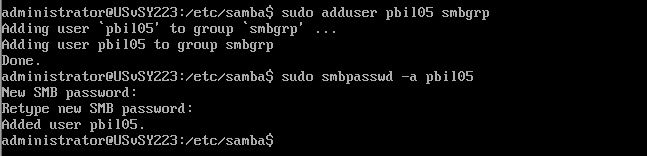
Now create the folder secured in the /samba folder & give permissions like this:
sudo mkdir -p /samba/secured
cd /samba
sudo chmod -R 0770 secured/
We will face the issue of permissions. To give write permission to the user pbil05 do:
cd /samba
sudo chmod -R pbil05:smbgrp secured/
Edit the configuration file /etc/samba/smb.conf:
[secured]
path = /samba/secured
valid users = @smbgrp
guest ok = no
writable = yes
browsable = yes
Below is the added configuration:
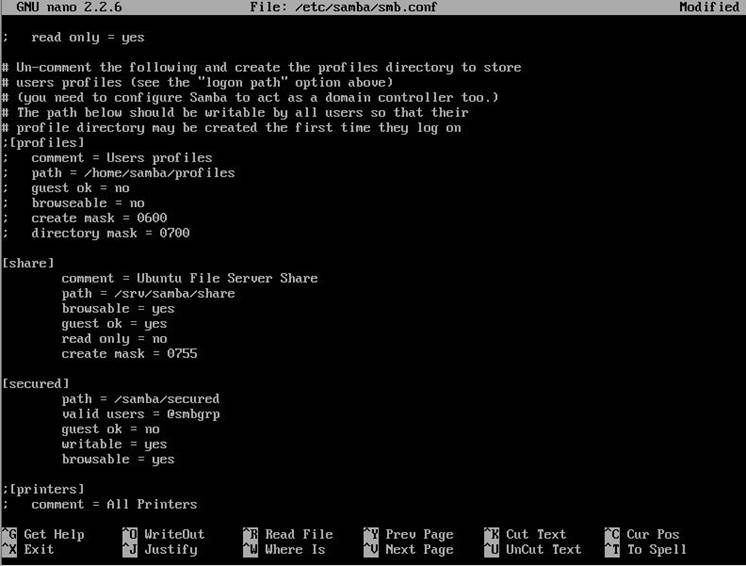
Restart the samba services to enable the new configuration:
sudo service smbd restart
To further cross-check the settings, check as follows:
testparm
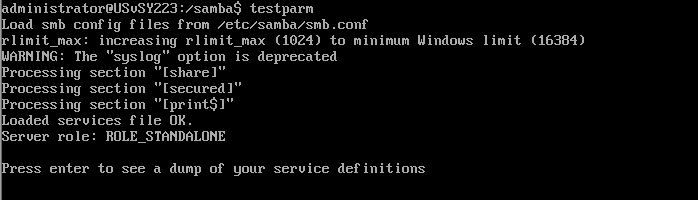
Now, at windows machine, check the folder now with the proper credentials
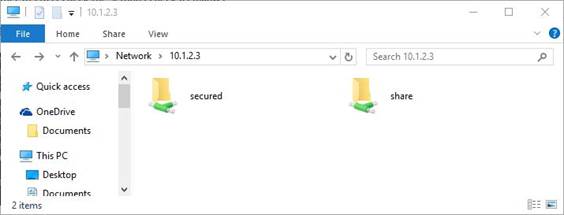
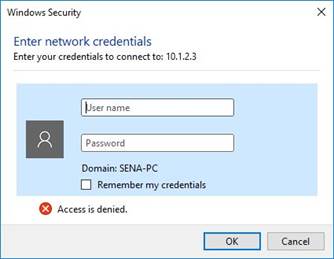
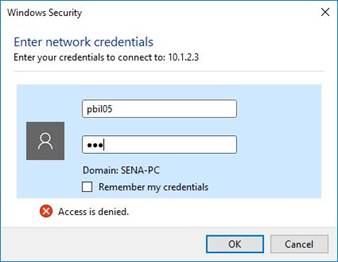
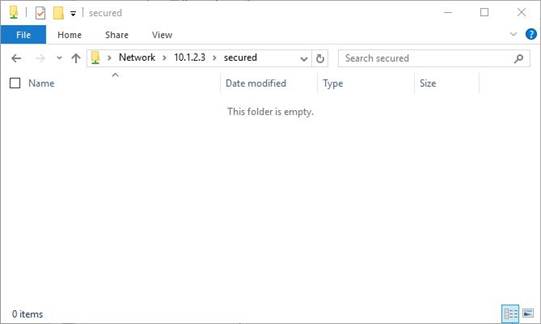
Finally, samba user pbil05 have permission to write in the folder!