ET1530: Project - Week 5 - 7
Fix Broken Sudo
(Adapted from: http://www.psychocats.net)
How Does sudo Work?
The way that Ubuntu has implemented sudo, the /etc/sudoers file says that users in the admin group can (after a password authentication) temporarily escalate to system-wide privileges for particular tasks. And then the /etc/groups file says which users are in the admin group.
You can read more on the community documentation about Ubuntu's implementation of sudo.
Cause and Symptoms
sudo breaks when one or more of the following occurs:
· the /etc/sudoers file has been altered to no longer allow users in the admin group to escalate privilege
· the permissions on the /etc/sudoers file are changed to something other than 0440
· a user who should not have been has been taken out of the admin group
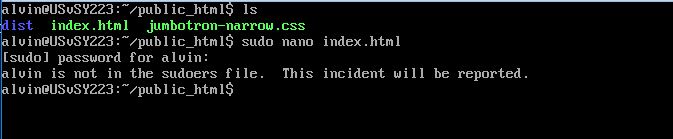
If sudo is broken this way, you may notice an error saying you're not in the sudoers file and the incident is going to be reported. Or you may just see the next command prompt without any action being executed.
Booting into Recovery Mode
Since fixing sudo involves editing system files, and you would otherwise need sudo to do so, you'll have to boot into recovery mode to gain root (system-wide) access in order to repair sudo.
If you have a single-boot (Ubuntu is the only operating system on your computer), to get the boot menu to show, you have to hold down the Shift key during bootup.
If you have a dual-boot (Ubuntu is installed next to Windows, another Linux operating system, or Mac OS X; and you choose at boot time which operating system to boot into), the boot menu should appear without the need to hold down the Shift key.
Since Ubuntu is installed in VM, during bootup, the boot menu should appear and we select “Advanced options for Ubuntu”:
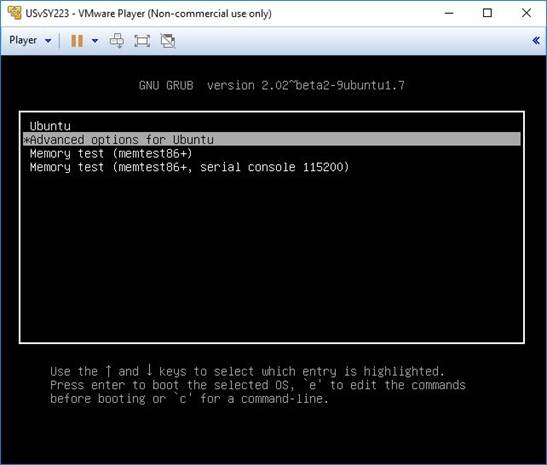
Press enter, and select (recovery mode):
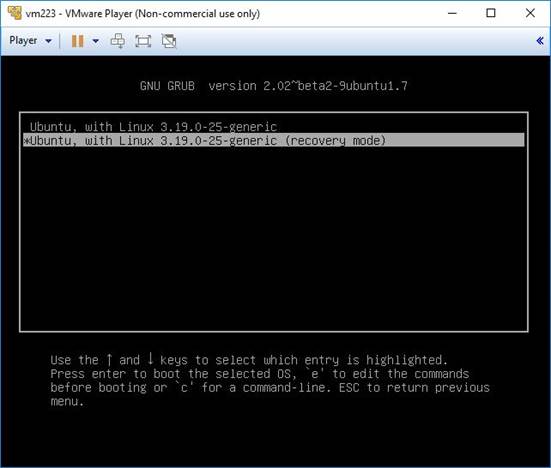
After you select recovery mode and wait for all the boot-up processes to finish, you'll be presented with a few options. In this case, you want the Drop to root shell prompt option so press the Down arrow to get to that option, and then press Enter to select it.
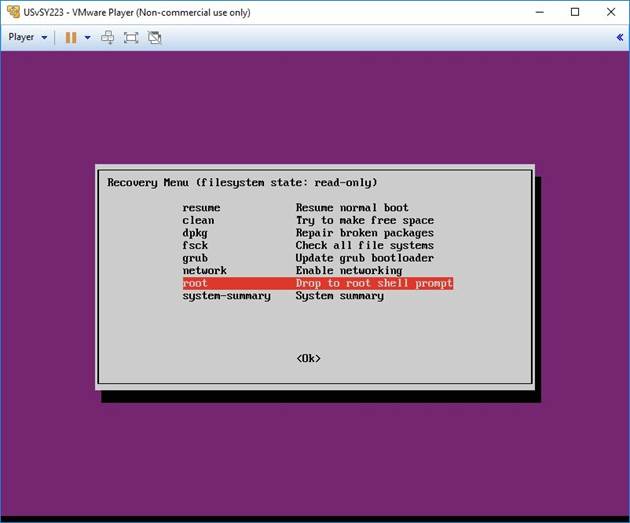
The root account is the ultimate administrator and can do anything to the Ubuntu installation (including erase it), so please be careful with what commands you enter in the root terminal.
In recent versions of Ubuntu, the filesystem is mounted as read-only, so you need to enter the follow command to get it to remount as read-write, which will allow you to make changes:
mount -o rw,remount /
Do the Actual Repair
Case 1
If you'd removed your last sudo user from the sudo group, then type
adduser username sudo
where username is your actual username.
If you'd removed your last admin user from the admin group, then type
adduser username admin
where username is your actual username.
Case 2
If you are trying to fix the error where it says sudo is mode _____, should be 0440, then you'll want to type
chmod 0440 /etc/sudoers
When you're done with whatever commands you needed to enter, type
exit
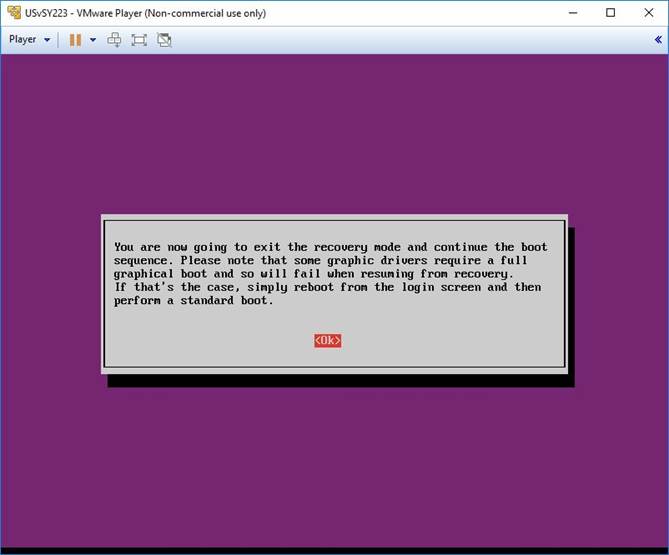
This will bring you back to the recovery menu. Choose to resume a normal boot.
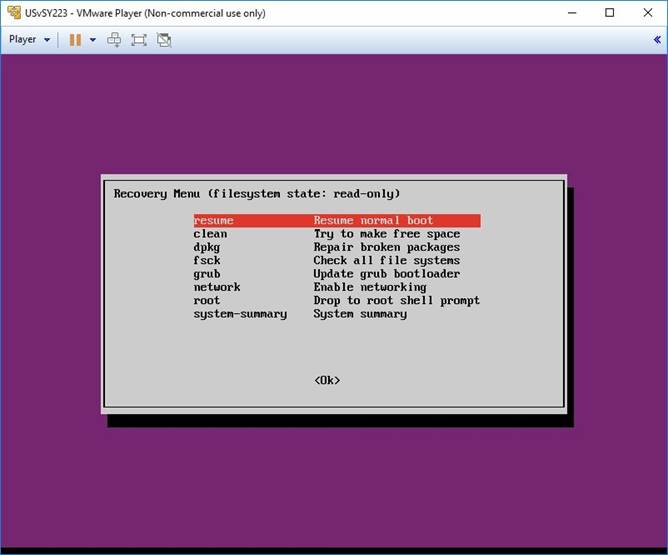
Then you should be able to sudo again.