ET1530: Project - Week 3 - 4
Users with Individual Web Page
We will upload the individual web page to each user that is in the system to the folder name public_html in the home directory.
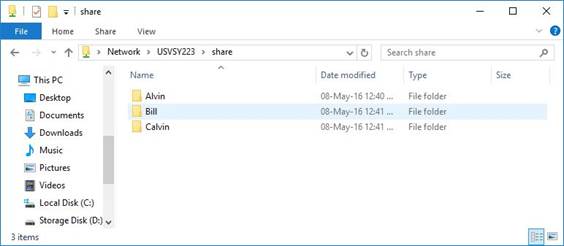
Using Samba, from the Windows client, we upload the folders of each user containing html files to the shared directory:
Now, we log in to Ubuntu Server. From the terminal enter:
sudo cp –R /srv/samba/share/Alvin/* /home/alvin/public_html/
We repeat this for the other 2 home users; bill and calvin:
sudo cp –R /srv/samba/share/Bill/* /home/bill/public_html/
sudo cp –R /srv/samba/share/Calvin/* /home/calvin/public_html/
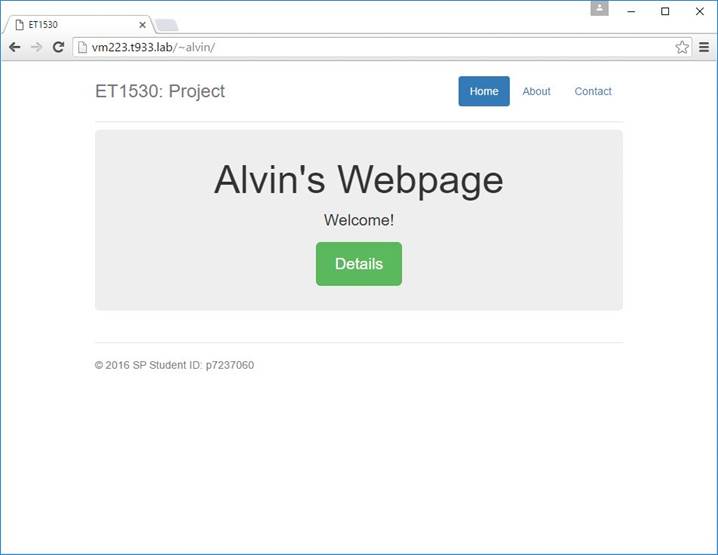
Open a web browser and enter the url address to be http://vm223.t933.lab/~alvin/ and we get: