ET1530: Project - Week 1 - 2
Installation of Application & Software on Ubuntu Server
(Adapted from: https://help.ubuntu.com)
To install through terminal:
sudo apt-get install <package>
where package is the name of the software. Before we install, we can do an update:
sudo apt-get update
Also, if we want to uninstall a software through terminal:
sudo apt-get remove <package>
Show the List of Installed Packages on Ubuntu
The command we need to use is dpkg –get-selections, which will give a list of all the currently installed packages.
dpkg -–get-selections
The full list can be long and unwieldy, so it’s much easier to filter through grep to get results for the exact package we need. For instance, to see which vim packages had already installed through apt-get:
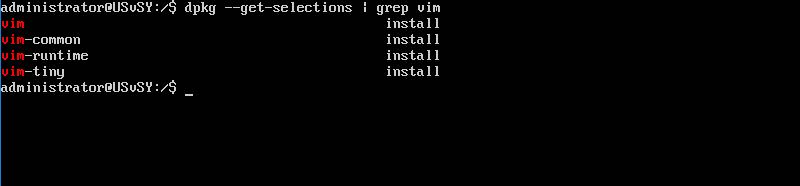
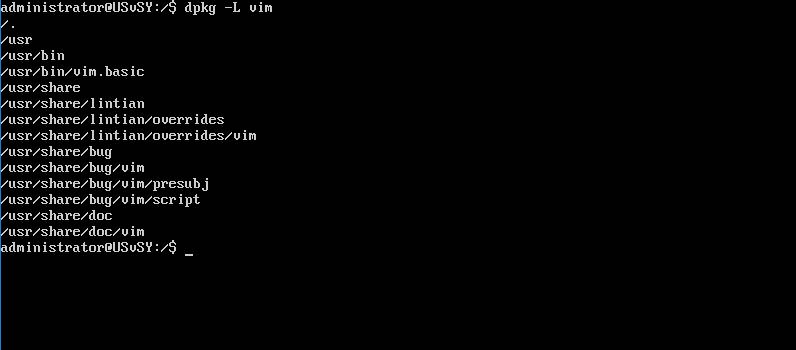
For extra credit, we can find the locations of the files within a package from the list by using the dpkg -L command, such as:
Also, apt command can do this too.
apt –installed list